
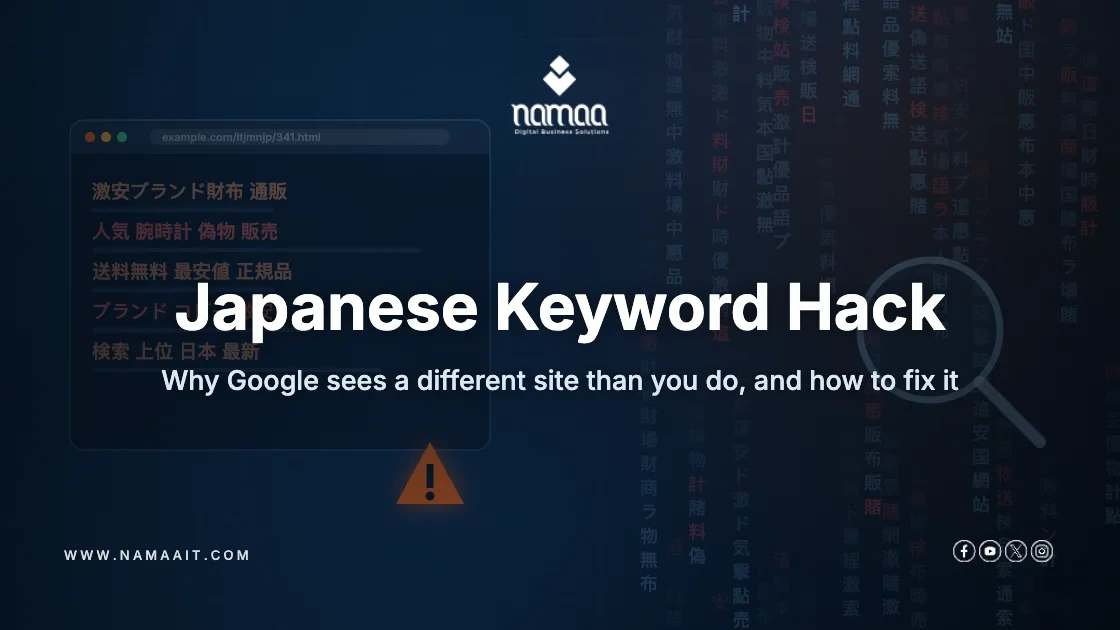


If you search for your company and Google shows pages in Japanese or Chinese that you never created, while your website looks completely normal when you open it, your site has most likely been hit by the Japanese keyword hack. Attackers plant spam pages inside your site and hide them from you, so only search engines and certain visitors ever see them.
This is not a cosmetic problem. The injected pages borrow your domain's reputation to rank counterfeit products, and they can lead to security warnings in Google or a suspended hosting account. This guide explains how the hack works, why you can't see it, why WordPress sites are hit most, how the NamaaIT team cleans it up, and what you can do to keep your site safe.
What is the Japanese keyword hack?
According to Google's guide to fixing it, the hack typically creates new pages full of autogenerated Japanese text in randomly named folders, such as example.com/ltjmnjp/341.html. The pages carry affiliate links to stores selling fake brand merchandise and then appear in Google Search under your domain.
Variants in Chinese and other languages follow the same pattern: a site Google already trusts is used to push pages that have nothing to do with your business.
You usually aren't singled out. Google's John Mueller explains that these attacks scan the web automatically and the hack itself is mostly automated, so the attacker will come back if the hole isn't closed.
What does the attacker gain?
- Your domain's trust: spam pages on an established site get indexed and ranked faster.
- Control of Search Console: Google notes that attackers typically add themselves as a property owner in Search Console, so they can manipulate settings such as geotargeting and sitemaps.
- A way back in: backdoors in files or the database let them return after the visible pages are deleted.
Why does your site look clean to you but hacked to Google?
The technique is called cloaking: showing search engines different content from what visitors see. Google's spam policies point out that hackers often use cloaking precisely to make the hack harder for the site owner to detect.
The injected code decides what to serve based on who is asking:
- User agent: Googlebot gets the Japanese pages, a normal browser gets your real site. Sucuri's security team described a site that looked completely normal until they switched their browser's user agent to Google's.
- Referrer: visitors arriving from Google results are redirected to a suspicious site, while typing the same URL directly shows nothing wrong. Google uses this exact example in its policies.
- Country or IP address: the spam is shown only to visitors from certain countries, so the owner and the team see a healthy site.
- A fake 404: Google warns that you may see a "page not found" message even though the page is still hacked and still served to Google.
| Who visits the page | What they see on an infected site |
|---|---|
| The site owner, opening it directly | The normal site, nothing changed |
| Googlebot | Japanese or Chinese pages with links to counterfeit stores |
| A visitor coming from search results | A redirect to another site, or a page of gibberish |
| A visitor from a targeted country | The same spam pages Google sees |
Signs your site has the Japanese keyword hack
- Search results in a language your site doesn't use when you search for your domain.
- A Search Console notice that someone you don't know verified your site. Google calls this a strong sign the site has been hacked.
- A sudden jump in indexed pages in Search Console without any new content.
- Traffic or search queries from countries you don't target, such as Japan, in Search Console or Google Analytics.
- A sitemap you don't remember adding, or strange URLs inside your existing sitemap.
- Admin accounts you don't recognize, or files modified when nobody was working on the site.
How to check your site in a few minutes
- Search Google for your site: type
site:example.comwith your domain and scroll through several pages of results for strange URLs or titles. If nothing shows up, repeat the search in another engine such as Bing. - Open the Security Issues report in Search Console to see whether Google has found hacked pages. Then check Users and permissions under Settings and make sure you know every owner listed.
- Use the URL Inspection tool: inspect a suspicious URL, run a live test and view the page as Google sees it. This reveals cloaked content and is the most reliable check.
- Request the page as Googlebot: if someone on your team is comfortable with the command line, they can run the command below and compare the output with what the browser shows.
curl -A "Mozilla/5.0 (compatible; Googlebot/2.1; +http://www.google.com/bot.html)" https://example.com/Note that some injected code verifies the request really comes from Google's servers and returns a clean page to this command. Don't rely on it alone; the URL Inspection tool in Search Console is the better test.
Why are WordPress sites hacked most often?
The first reason is reach. According to W3Techs, WordPress runs 38.4% of all websites (November 2026), so one flaw in a popular plugin exposes thousands of sites to the same automated tool.
The second reason is plugins, not WordPress itself. Patchstack's WordPress security report counted 11,334 new vulnerabilities in 2025, up 42% from the year before. 91% were in plugins and 9% in themes, while WordPress core had only 6 low-priority issues. The report also notes that 46% of vulnerabilities had no patch available when they were disclosed, and that mass exploitation starts within hours of disclosure.
Most WordPress infections come through one of these doors:
- Plugins or themes that haven't been updated in a while, or that their developers abandoned.
- Premium themes and plugins downloaded from unofficial sources ("nulled"), many of which ship with malware built in.
- Weak or reused passwords and many admin accounts without two-factor authentication.
- Inactive plugins that are still installed on the server and still exploitable.
- Cheap shared hosting, where an infection spreads from one site to its neighbors on the same account.
None of this makes WordPress a bad choice; it means WordPress needs ongoing maintenance. If you're comparing platforms before building your site, read our article on the pros and cons of WordPress for business websites.
Are custom-built websites safe from this hack?
Not automatically. The bots that sweep thousands of WordPress sites for one vulnerable plugin don't apply to them, but custom sites get hacked through configuration and development mistakes:
- Leaked configuration files or secret keys: for Laravel applications, GitGuardian found more than 260,000 APP_KEY values exposed on GitHub between 2018 and May 2025, and identified over 600 applications open to remote code execution as a result.
- Debug mode left on in production: error pages expose server and database details to anyone.
- Outdated frameworks and packages: security fixes released but never applied.
- Unchecked file uploads: a form that accepts an image or document is used to upload a script that then runs on the server.
- Exposed admin panels: well-known login URLs with no protection against password guessing.
That's why security has to be built in during development, as we explain in our guide to application security in the age of AI.
What happens if you leave it?
- Search visibility suffers: Google treats injected pages as hacked content that violates its policies, and the attacker's pages can show up instead of yours when people search for your brand, undoing the work you put into improving your Google ranking.
- Hosting suspension: Sucuri notes that hosting providers may suspend infected sites so they don't serve harmful content.
- Lost customer trust: a prospect who searches for your company and finds Japanese results, or gets redirected to a shady site, rarely comes back.
- Reinfection: deleting the visible pages without closing the hole means the attacker returns.
How NamaaIT fixes the Japanese keyword hack
Deleting the Japanese pages is not enough; you have to understand how the attacker got in and close that door, a point Google's John Mueller also stresses. These are the core steps our team follows when cleaning an infected site, whether it runs on WordPress or custom code.
1. Take a full copy before changing anything
We back up all files and the database off the server first. The copy helps trace the source of the hack and gives a restore point if needed.
2. Remove the attacker from Search Console
We remove any unknown owner and delete their verification token. Google notes this is usually an HTML file in the site's root folder, or a modified .htaccess file that generates the verification file on the fly.
3. Find the entry point
We review server logs, file modification dates and the versions of every plugin and package to identify how the attacker got in: an outdated plugin, a leaked password or an unprotected upload.
4. Clean the files
We replace core files with clean originals and compare plugins and themes with their official versions. Following Google's advice, we sort files by modification date and size, then search for obfuscated code, which often starts with functions such as base64_decode, eval, gzinflate or str_rot13. We pay close attention to .htaccess, index.php and any PHP files inside image or upload folders, where they should never exist.
5. Clean the database
We look for added admin users, code injected into settings or posts, and scheduled tasks that recreate malicious files after they are deleted.
6. Rotate every password and key
We change hosting, FTP, database and admin passwords and regenerate security keys. On Laravel sites we rotate the APP_KEY, since GitGuardian advises replacing any exposed key immediately instead of just deleting it from the repository.
7. Close the hole and update everything
We update the platform, plugins and packages, remove anything unused, and fix the vulnerable code on custom-built sites.
8. Clean up what Google indexed
Attackers often modify the sitemap or add new ones to get their pages indexed faster, so we remove or clean those files. We make sure the spam URLs return a 404 or 410 and submit a clean sitemap. If the Security Issues report shows a warning, we request a review in Search Console once the site is clean.
9. Monitor after the cleanup
We keep watching Search Console and the site's files over the following weeks to make sure no new pages appear and the malicious code doesn't return.
How to protect your site from being hacked
For WordPress sites
- Keep plugins, themes and core up to date, and turn on automatic updates for trusted plugins.
- Delete any plugin or theme you don't use instead of just deactivating it.
- Never install nulled themes or plugins from unofficial sources.
- Choose plugins that are actively maintained and supported.
- Disable file editing from the dashboard by adding
define('DISALLOW_FILE_EDIT', true);to wp-config.php.
For custom-built sites
- Keep .env files and secret keys out of your code repository, and make sure .env can't be opened from a browser.
- Turn off debug mode in production (APP_DEBUG=false in Laravel).
- Update the framework and dependencies regularly, and check them with commands such as
composer audit. - Validate uploaded file types and block code execution inside upload folders.
For every site
- Enable two-factor authentication on all admin and hosting accounts, with strong, unique passwords.
- Keep admin accounts to a minimum and remove former staff accounts.
- Keep daily backups off the web server, and test restoring them now and then.
- Connect your site to Google Search Console and keep notifications on; it is often the first to tell you about a hack.
- Use a web application firewall (WAF) to block known exploit attempts before they reach your site.
For more on protecting your website's data, read our guide to cybersecurity and data protection and our article on why website security matters for your business.
Frequently asked questions
Why can't I see the Japanese pages when I open my site?
Because the injected code uses cloaking: it shows the spam only to Googlebot or to visitors from certain countries, and shows you the normal site. The URL Inspection tool in Search Console reveals what Google actually sees.
Is deleting the Japanese pages enough to fix the problem?
No. If the vulnerability the attacker used stays open and the backdoors they left aren't removed, the pages will come back. A real fix starts by finding the entry point, then cleaning files and the database and rotating every key.
Does the Japanese keyword hack affect my Google rankings?
Yes. Google treats injected pages as hacked content that violates its policies. The attacker's pages can appear in search instead of yours, or a security warning can show for your site until it's cleaned.
Do I need to disavow backlinks after the hack?
Usually not. Google's John Mueller says there's no need to worry about or disavow the links pointing to your site; the priority is cleaning the site's own content.
When will the Japanese results disappear from Google?
They drop out gradually as Google recrawls the URLs and finds them gone. Returning a 404 or 410 for the spam URLs, submitting a clean sitemap and requesting a review if Search Console shows a security warning all help speed this up.